Everything a first-time user needs, in order: what Polymarket is, how to sign up, how to deposit, how to place your first trade, what it costs, and how to get your money back out.
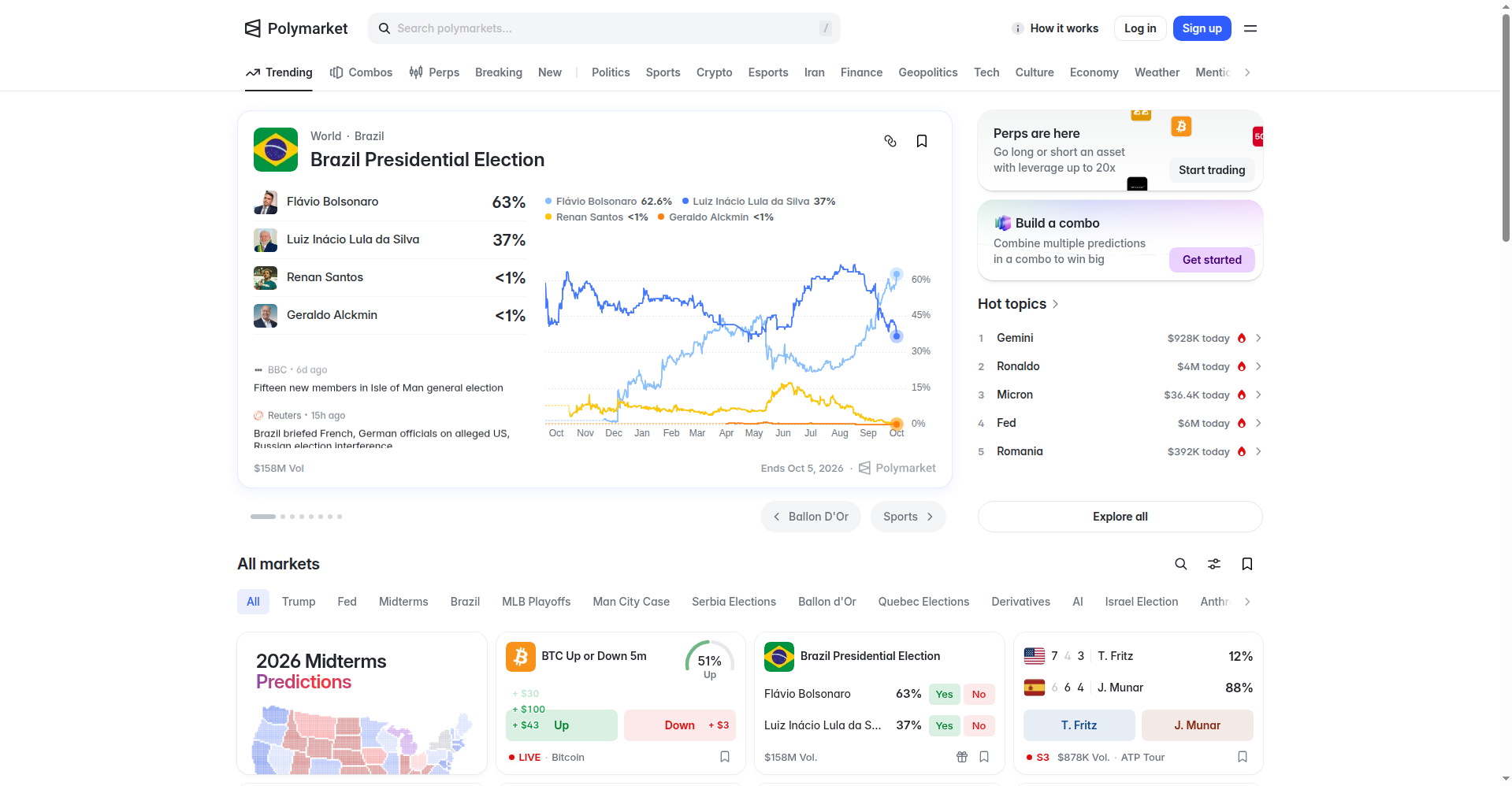
Polymarket is a prediction market. Every market asks a yes-or-no question — an election, a Fed decision, a game, a price target. Shares trade between 1¢ and 99¢, and the price is the probability: 62¢ means the crowd thinks there's a 62% chance of Yes. If you're right, each share pays $1. If you're wrong, it pays $0. That's the whole mechanic. Full explainer: what is Polymarket?
Access spans 100+ countries, but some jurisdictions are restricted and US users have a separate regulated product. Check the country availability list first — five seconds that save a wasted signup.
Sign up with email or a wallet on the official site. Browse the markets before depositing anything — watching prices react to news for a day teaches more than any guide. Details: signing up. And before you fund, read is Polymarket legit? so you know the real risks, including the phishing sites that imitate it.
Polymarket funds in USDC. Start with money you can afford to lose entirely — $10 to $50 is plenty to learn with. There are no Polymarket fees to deposit. Step-by-step: depositing.
Start with a big, liquid market (tight spread, heavy volume) in a category you actually follow. Then do the thing most beginners skip: read the resolution rules — the exact source and wording that decide who wins. More losses come from misunderstood rules than from bad predictions. Category tours: politics, crypto, sports, pop culture.
Use the payout calculator to simulate the trade: enter the price and your stake and it shows shares, max payout, profit after the real taker fee, and break-even. If the numbers only work in the best case, skip the trade.
A limit order rests on the book, which makes you a maker — and makers pay $0 in fees. A market order takes liquidity and pays the category taker fee. Same trade, different cost. Full walkthrough: trading basics; costs: fees guide.
You don't have to wait for the outcome: shares can be sold any time the price moves in your favor. If you hold and win, shares redeem at $1 automatically. Withdrawals to your own wallet carry no Polymarket fee: withdrawing.
Create a free account and browse the live markets — no deposit needed to watch prices move.
Sign Up on Polymarket PolymarketBro